
Check a WhatsApp DP online
A simple way to view an available profile photo
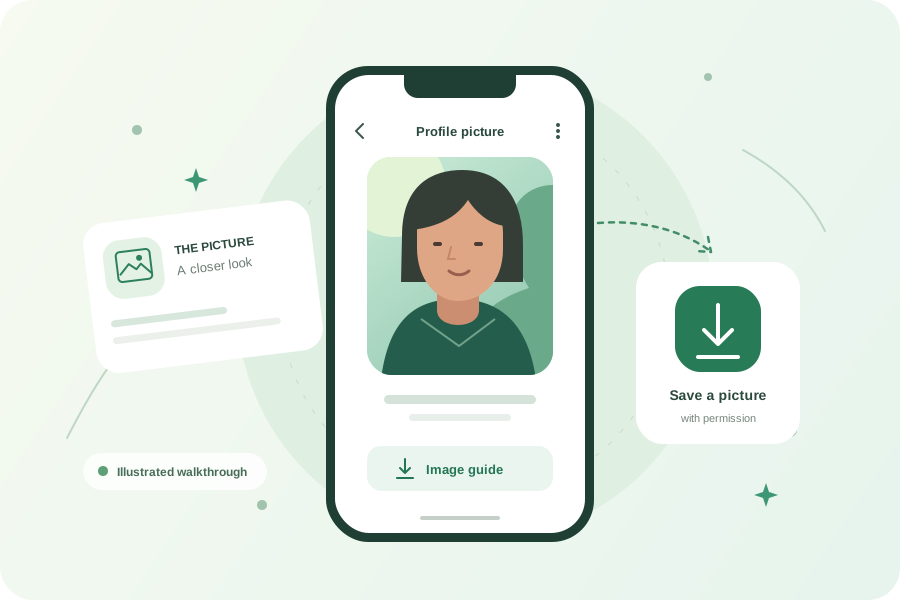
A display picture, often shortened to DP, is the image attached to a WhatsApp profile. Use the number field above to request the current picture and inspect the returned file before saving it.
About the WhatsApp profile picture downloader
Finding the right profile image should not require cropping a tiny chat screenshot. This WhatsApp DP viewer puts the number entry, image preview, and download controls together. It works in a browser on a phone, tablet, or computer, with no ConvertFoto registration.
Checking your own DP? Compare the returned preview with the picture you expect before saving. A recently changed photo may take time to become available through the connected service. If you want to share a clear copy with someone, sending them your original image directly is often easier than asking them to retrieve your profile photo.
A successful lookup depends on the number, the person’s visibility settings, and the connected provider. The tool cannot promise a picture for every account. Before you begin, keep these three practical points in mind.
Use the right international number
Include the country code so the request reaches the intended account. Pasting a number beginning with + overrides the country selector. Remove spaces if needed, leave out extensions, and double-check every digit. You do not need to save a new contact on your own device.
Keep the available image quality
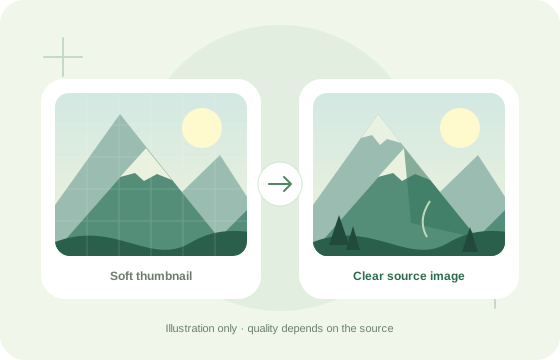
A screenshot captures your screen, including its scaling and any surrounding interface. Downloading the returned image keeps that file’s dimensions instead. The viewer does not sharpen, upscale, or invent detail. If the available DP is small, ask its owner for the original photo when you need a larger version.
Understand profile visibility
WhatsApp profile photos have audience settings. The connected account may not be allowed to see a picture that you can view in your own app. This page cannot override that difference. A missing result should be treated as unavailable, rather than evidence about the account owner.
Availability comes first. The provider must return a picture before preview and download become available. If access changes or the temporary link expires, repeat the lookup. Do not keep submitting the same number when the service asks you to wait.
One picture, many personal styles
People use portraits, business artwork, and landscapes as display pictures.



Illustrations only. This downloader does not provide profile-picture history.
Why use this WhatsApp DP viewer?
- One focused workflow: enter a number, inspect the result, and choose whether to save it.
- Original file: download the supplied picture without adding a watermark or changing its format.
- Clear feedback: distinguish an unavailable image from a temporary service or connection problem.
Useful tools for your saved picture
When you have permission to edit the image, open our online photo editor to crop it. The image converter changes supported formats, while the image compressor helps reduce file size. These are separate tools; a WhatsApp lookup does not automatically upload your picture to them.
After saving, check your browser’s downloads list to find the file. Keep an untouched copy before cropping or changing its format. For your own display picture, leave room around the subject so a circular preview does not cut off faces or lettering. Preview the crop in WhatsApp before confirming your new profile photo.
How to download a WhatsApp display picture
Enter the number
Paste the full international phone number, or select its country code and enter the remaining digits.
Check the picture
Select View profile picture. Wait for the result, then open the preview at its available full size.
Save the image
Select Download picture. Keep the original file, and check that you have permission before sharing or reusing it.
Frequently asked questions
Answers about downloads, image quality, and profile visibility.
Is this WhatsApp DP downloader free?
ConvertFoto does not charge visitors to use this page or require a ConvertFoto account. Lookups depend on the connected picture service being available. Fair-use limits protect that service, so repeated requests may need a short wait.
Can I view a private WhatsApp profile picture?
No privacy setting is bypassed. A picture must be visible to the connected service account for the provider to return it. If someone restricts their picture, blocks that account, removes the photo, or has no photo, the tool may show no result.
Do I need to save the phone number first?
You do not need to add a number to your own address book to submit it here. Enter its country code and number instead. This does not change whether the connected account can access the picture, and it does not guarantee a match.
Does the downloader work on iPhone and Android?
Yes, the page works in modern mobile and desktop browsers with JavaScript enabled. Tap Download picture when the preview appears. If your browser opens the photo instead, use its image-saving menu. Your browser decides where downloaded files are stored.
Will I get an HD or full-size WhatsApp DP?
The tool saves the image supplied by the provider without enlarging or recompressing it. Full size means the dimensions of that returned file. A small original stays small; downloading cannot restore detail that is missing from the source.
Can I see old profile pictures or DP history?
This tool requests the currently available photo only. It does not monitor accounts, keep a picture archive, retrieve deleted DPs, or show status updates. The three example pictures in this guide are illustrations, not a history from a real account.
Why is a profile picture not showing?
Check the country code and number first. Missing photos can also result from visibility settings, an unavailable account, or a disconnected provider. A temporary service error does not prove that the number is unregistered. Follow the message shown before retrying.
What happens to the number I enter?
The number is sent over HTTPS to ConvertFoto’s server and the connected lookup provider to request the picture. It is not placed in the page URL or saved by this tool in browser storage. The lookup is not an anonymous service; provider processing and hosting logs can still apply.
Ready to check a display picture?
Enter the correct international number above. When a photo is available, preview it first and save only what you have permission to use.
Open the DP viewer ↑